Take full control of your survey's look with Advanced Styles
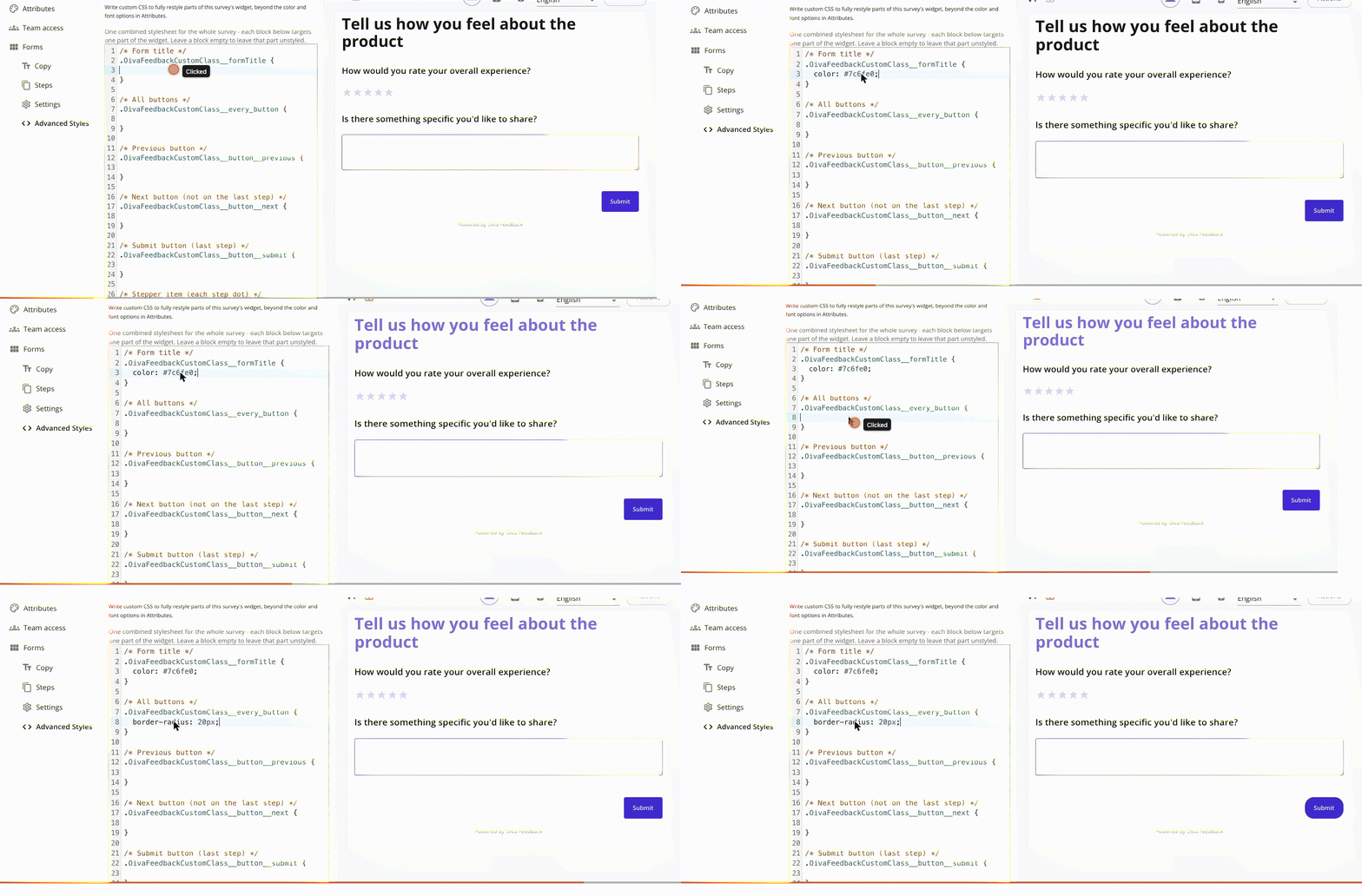
Until now, styling a survey meant working within the color and font options in Attributes — enough for most surveys, but not when you need pixel-level control over one specific button, a field's spacing, or the stepper dots between steps.
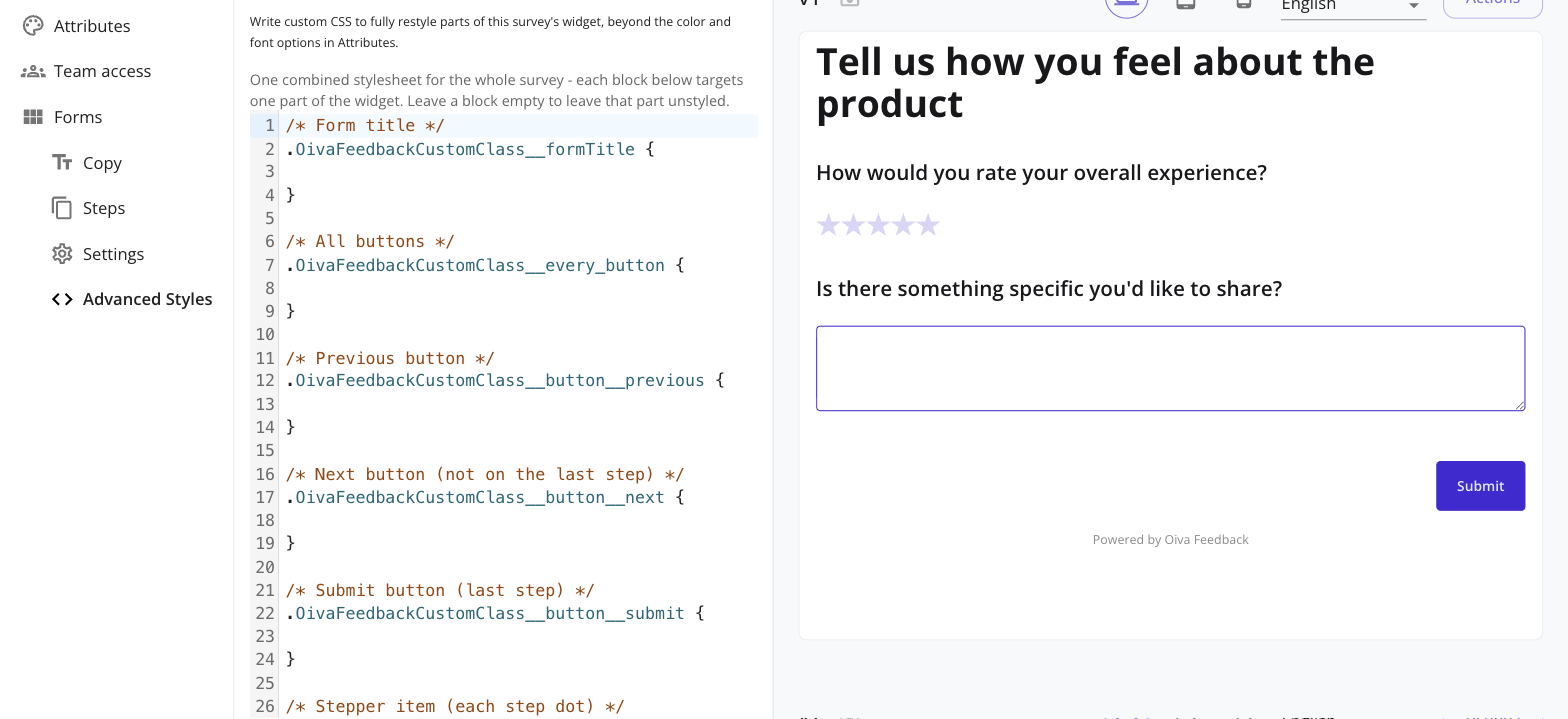
Advanced Styles adds a single combined CSS editor to every survey, covering the form title, every button (all of them at once, or Previous/Next/Submit individually), the stepper, the form container, and each field's own container, label, error message, and input — down to one specific field if you want, not just “every Textarea field.”
Every rule you write is scoped so it can only ever affect that one survey (or that one field), and layers on top of the widget's own default styles rather than replacing them — so you're always adding, never fighting the defaults. Edits apply to the live preview as you type.
Advanced Styles is available on paid plans — see Pricing for details.