News & updates
What we've been shipping lately.
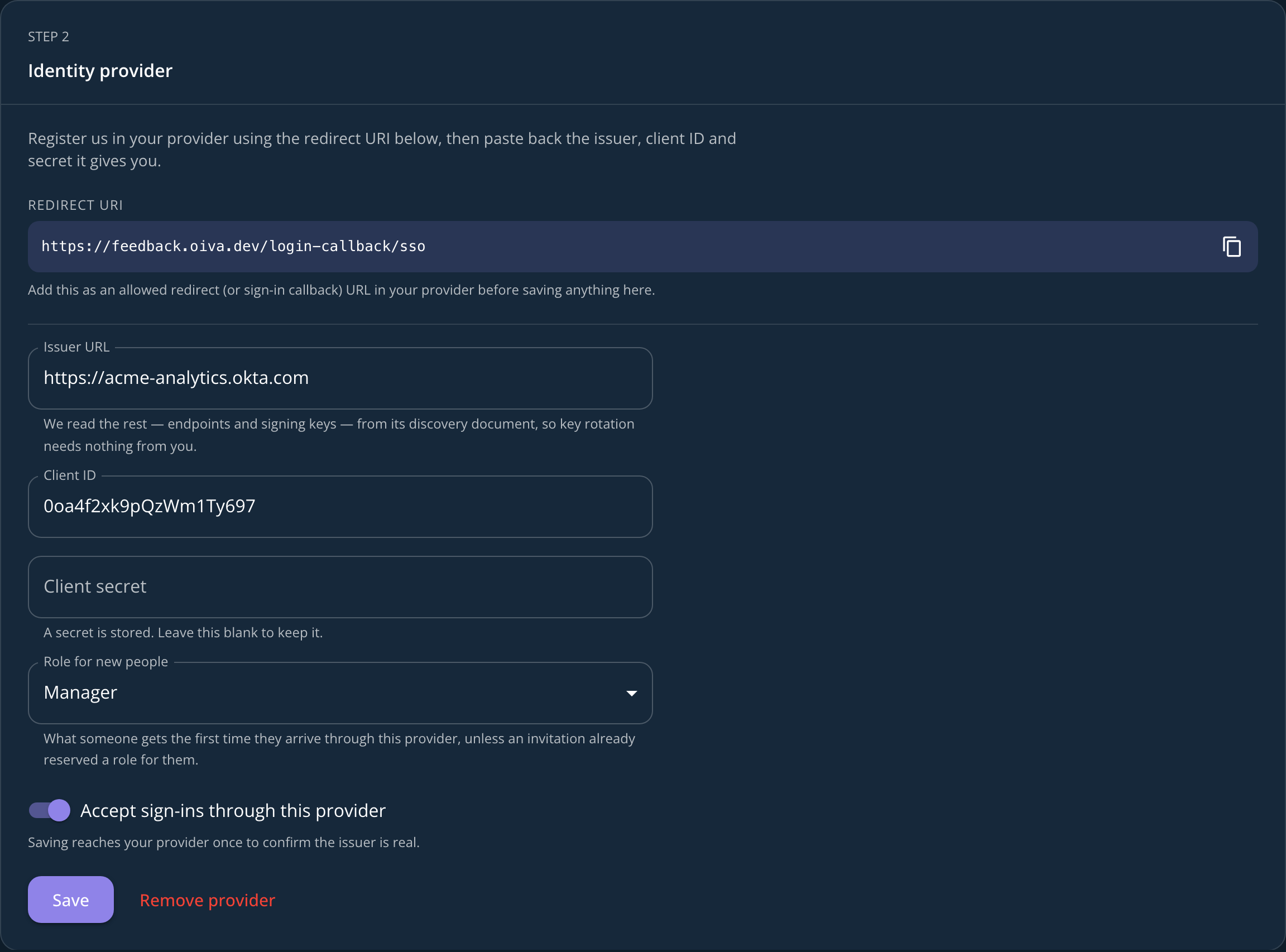
Sign in with your company's own identity provider
Single sign-on is here. If your company runs Okta, Entra ID, Google Workspace or anything else that speaks OpenID Connect, your team signs in to Oiva with the account it already has.
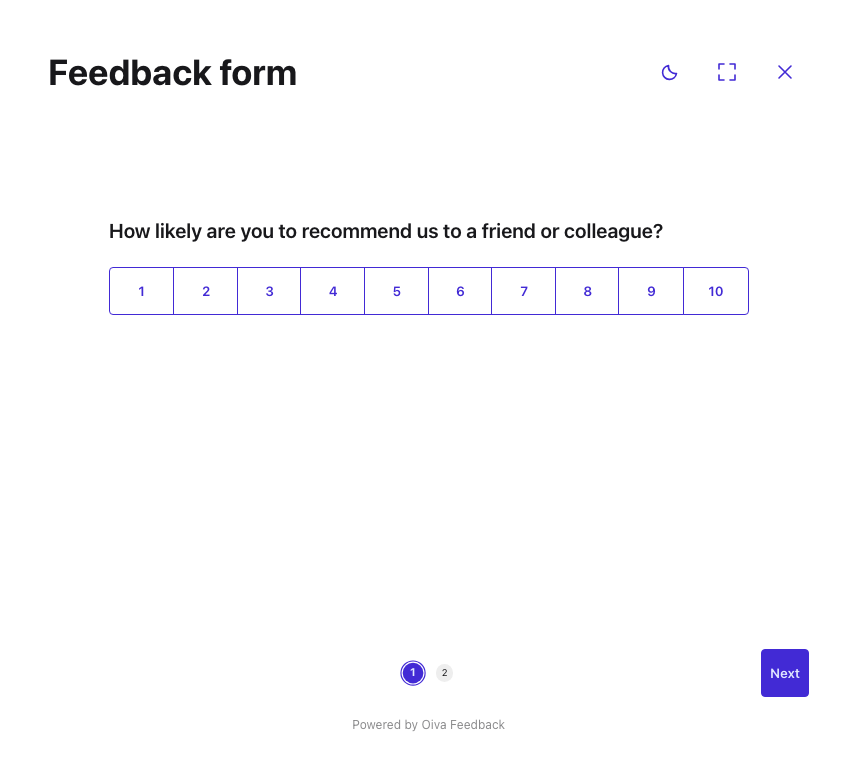
One question at a time, and a survey that fills the screen
On-site surveys can now show one question per screen, expand to full screen, and let visitors flip between light and dark — built for a tablet or a screen by the till.
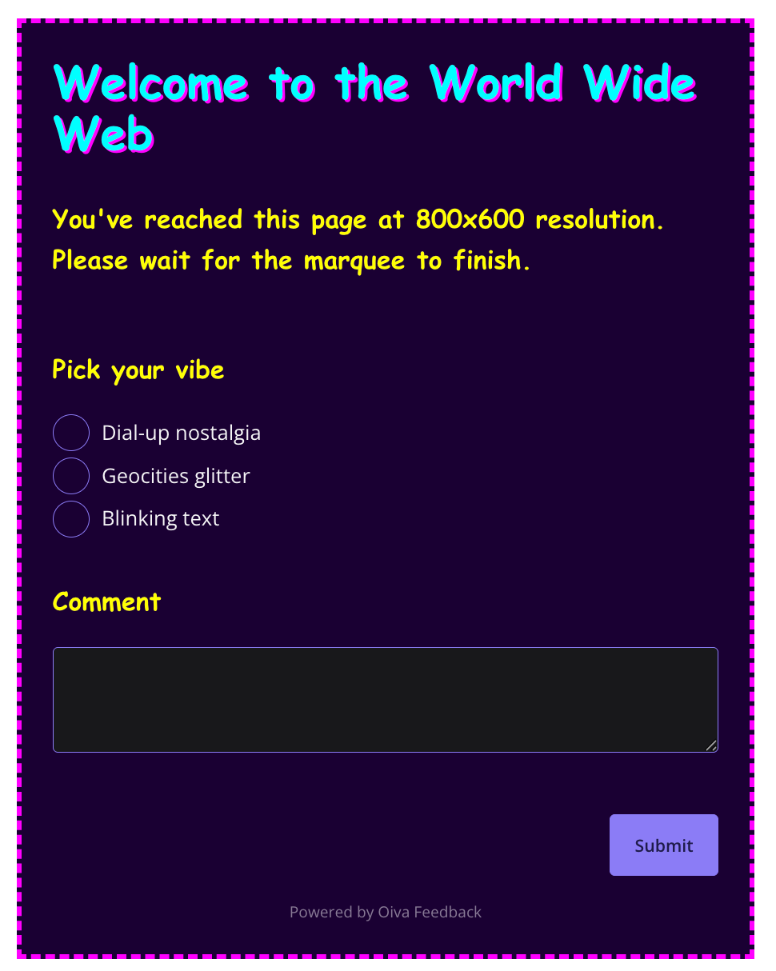
Fifteen example surveys, live in the manual
The new Examples page in the manual isn't a gallery of screenshots — it's fifteen real, submittable surveys, from a plain contact form to some deliberately over-the-top Advanced Styles showcases.
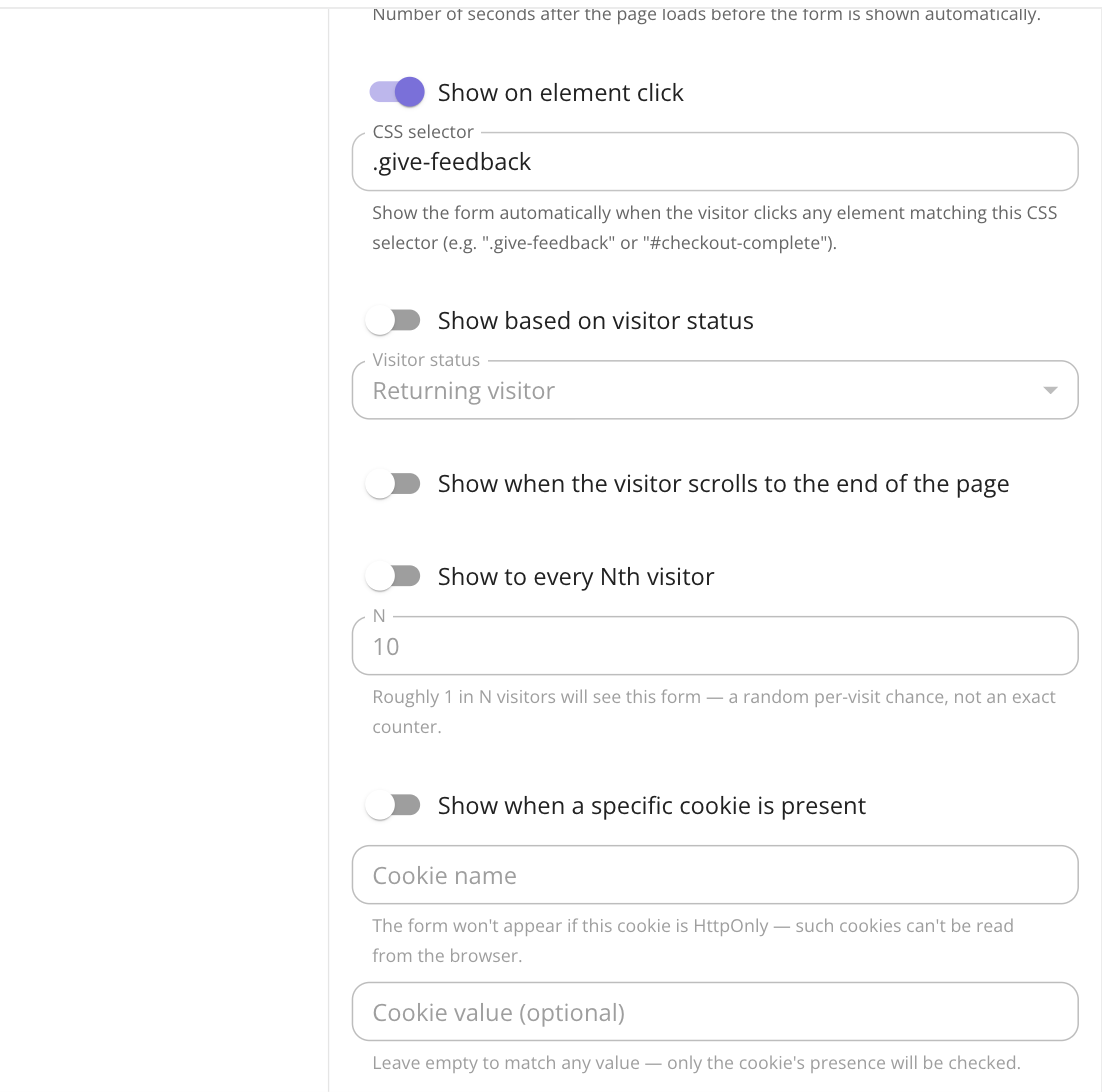
Four new ways to decide when your survey shows up
Four new triggers for showing a popup or inline survey at the right moment — check in with returning visitors, catch people before they leave, ask once they've finished reading, sample a slice of traffic, or target by cookie.
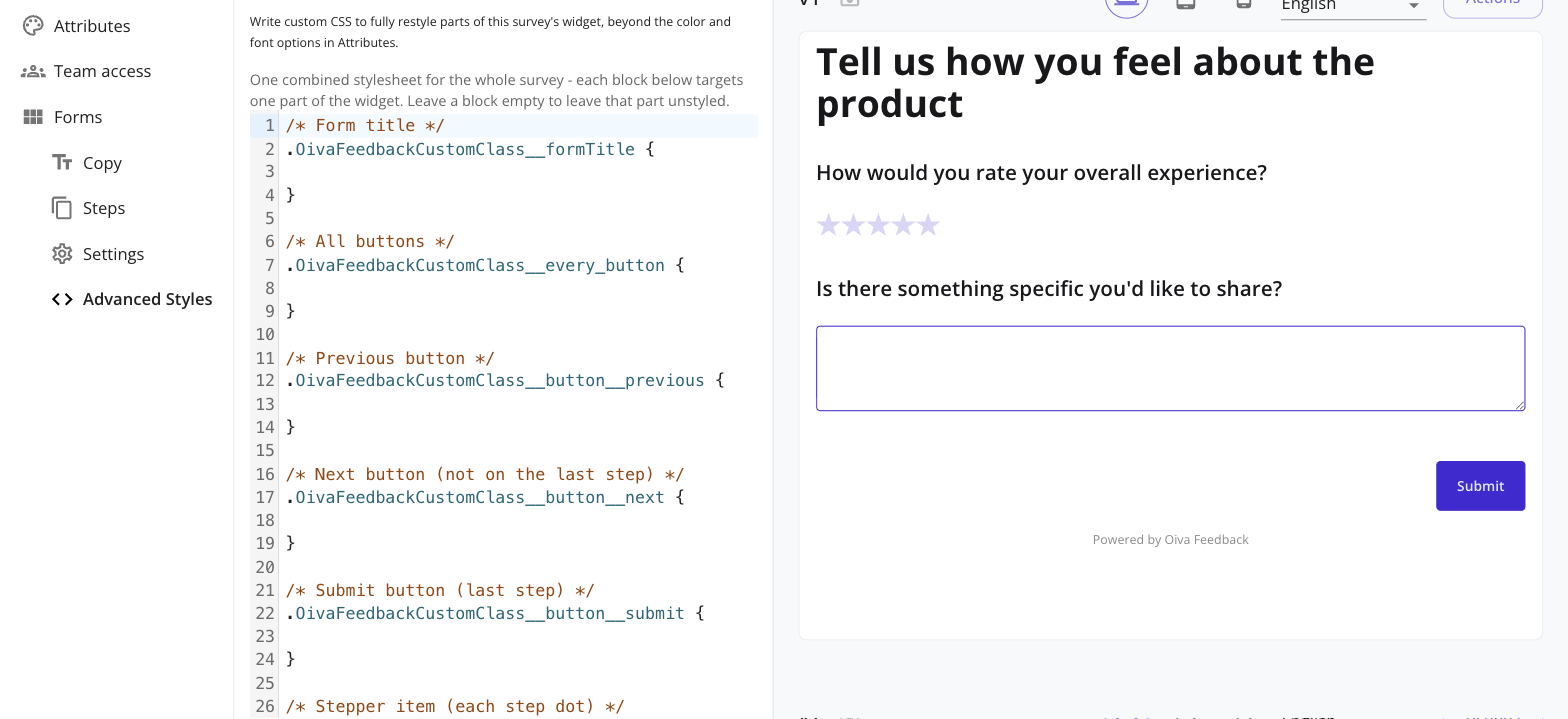
Take full control of your survey's look with Advanced Styles
Write real CSS for any part of your embedded survey — per field or survey-wide — right from the editor, with live preview. No code deploy needed. Available on paid plans.
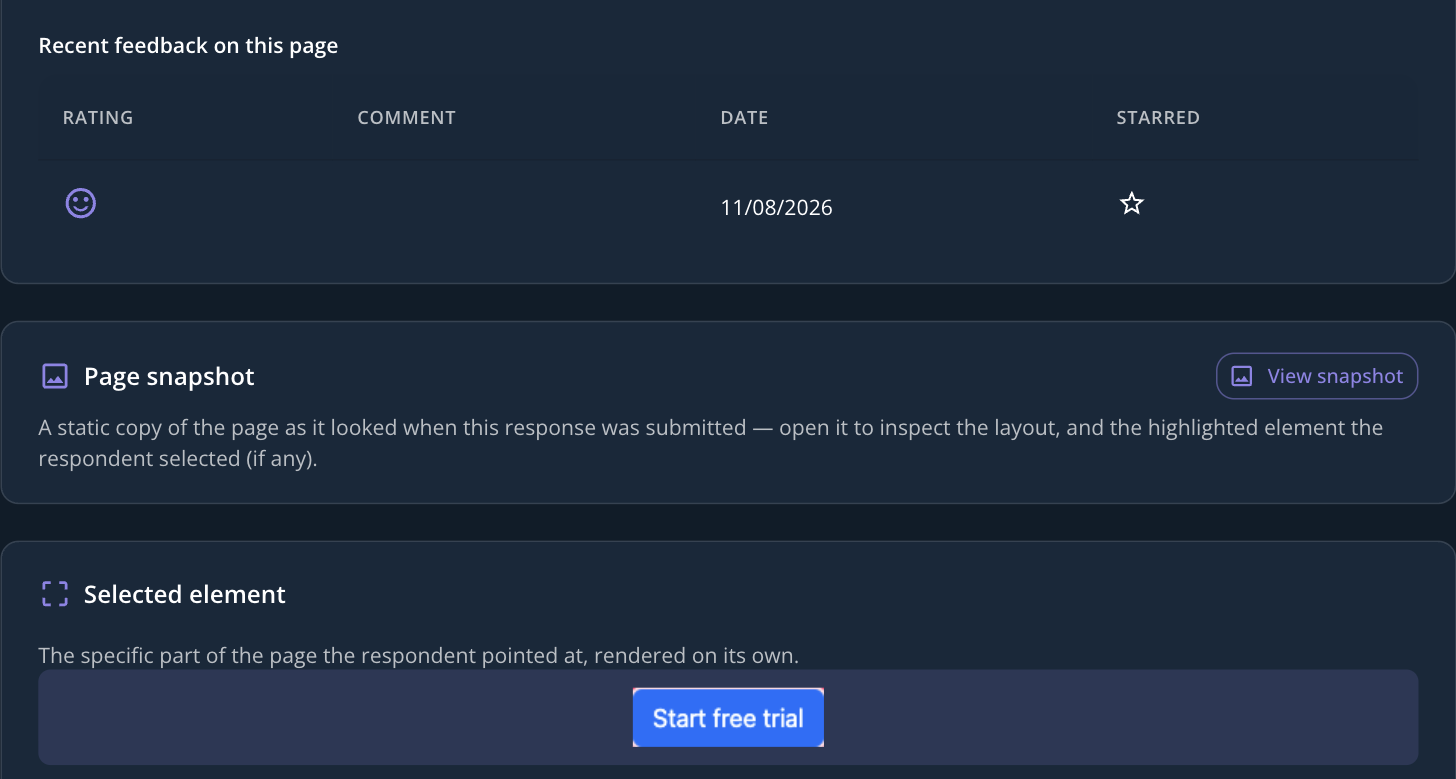
How we shipped a screenshot without screenshots
Turn on element selection and a visitor can point at one specific part of your page instead of describing it. Behind that simple picker is a rendering pipeline that had to solve a problem screenshots don't usually have: showing you a page element that's never been screenshotted on its own.