Describe the survey, get the questions
Starting a survey has always meant an empty editor: add a step, add a field, pick its type, write its label, then write that label again for every language your domain speaks. If you already know what you want to ask, most of that is typing rather than thinking.
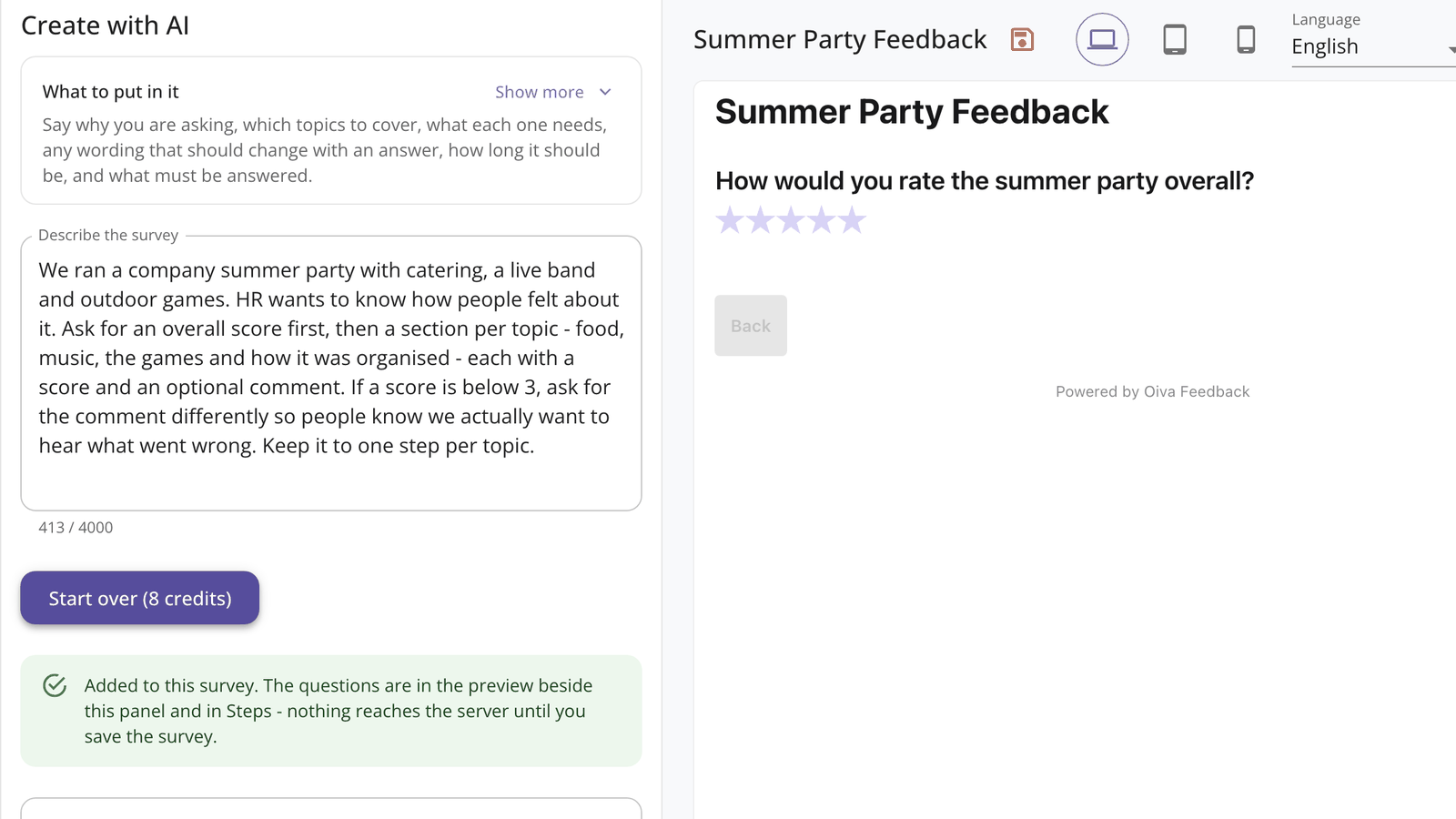
Now a new survey has a Create with AI section, right under General info. Describe what you want to find out in your own words - one paragraph is plenty - and press Generate. The questions land in the survey you already have open: steps, field types, labels, the button and success text, all written in every language of the domain.
Nothing about it is a black box. What comes back is an ordinary survey, sitting in the ordinary editor, showing in the ordinary live preview beside it. Change a label, drag a field to another step, add a question of your own - it is your survey from the moment it appears, and it reaches the server only when you press Save.
If it is close but not right, say what to change: "drop the last question", "make the comment optional", "add a step about delivery". Each of those rewrites the survey in place, and the panel says how many more the draft has left.
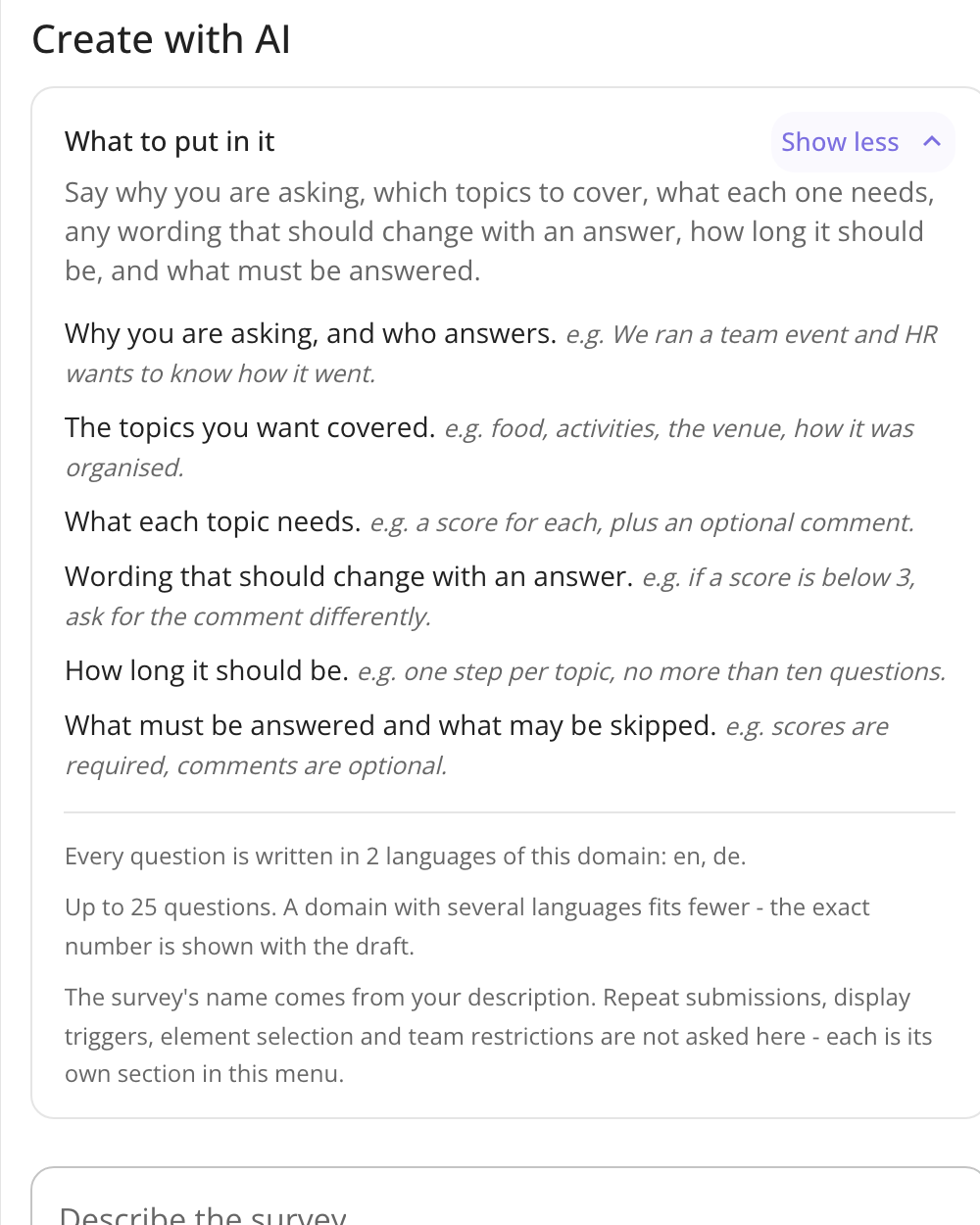
The panel names what is worth putting in your description - the topics to cover, what each one needs, how long the survey should be, and which questions are required. One of them is worth knowing about: ask for wording that changes with an answer ("if the score is below 3, ask for the comment differently") and you get a conditional label, a feature most people never find on their own.