Email surveys and campaigns: the question lands in the inbox
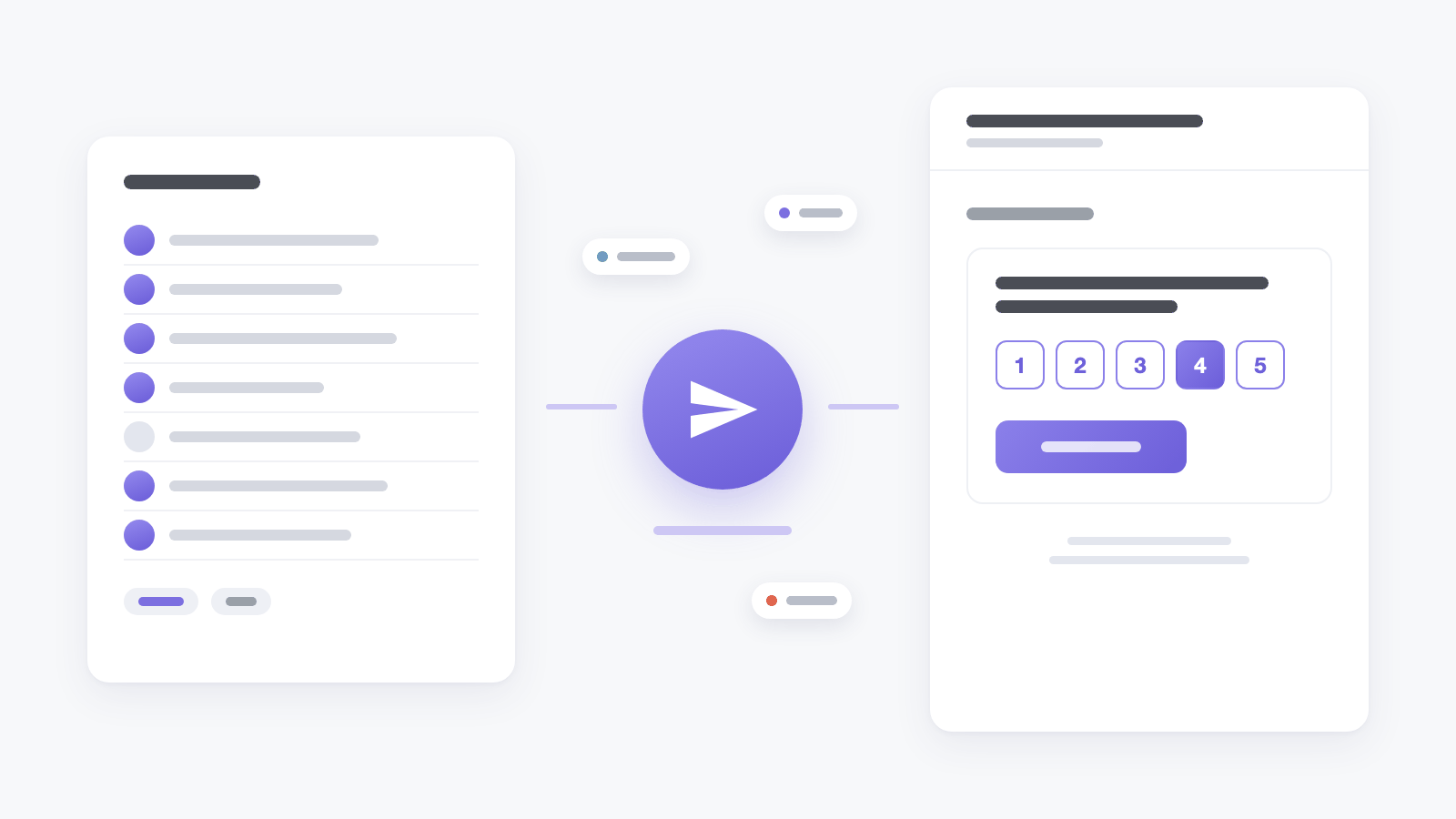
The easiest feedback to give is the kind that doesn't make you leave your inbox. The new email survey type puts the first question straight into the message: a 1 to 5 rating, yes or no, or a list of options, rendered as buttons. One click opens the rest of the survey with that answer already selected - nothing is recorded until the person presses Submit.
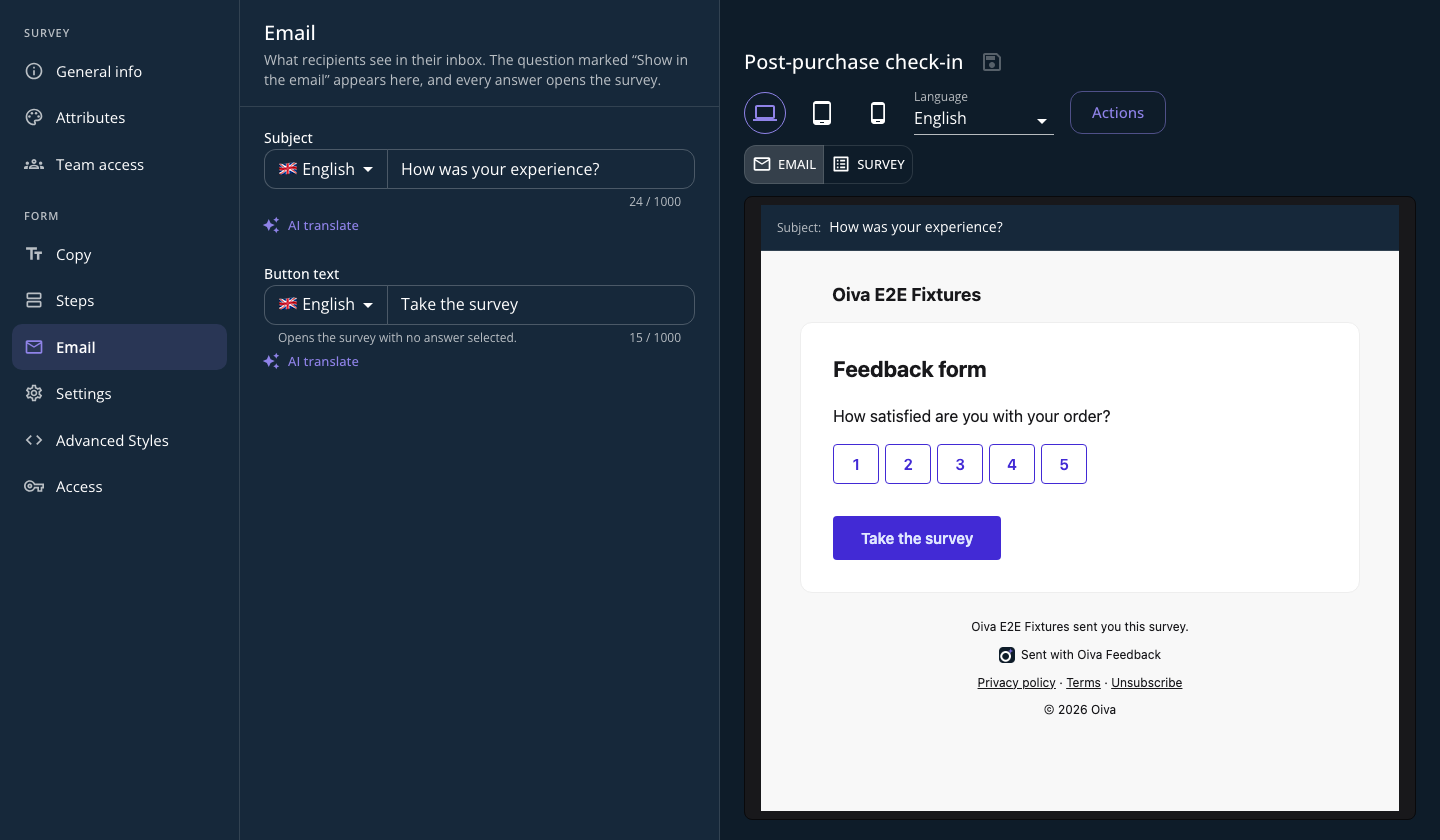
In the editor such a survey has an Email tab: the subject and button text in every language of the domain, and a preview of the email exactly as the server will render it. Which question goes into the email is decided by the Show in the email checkbox on a field.
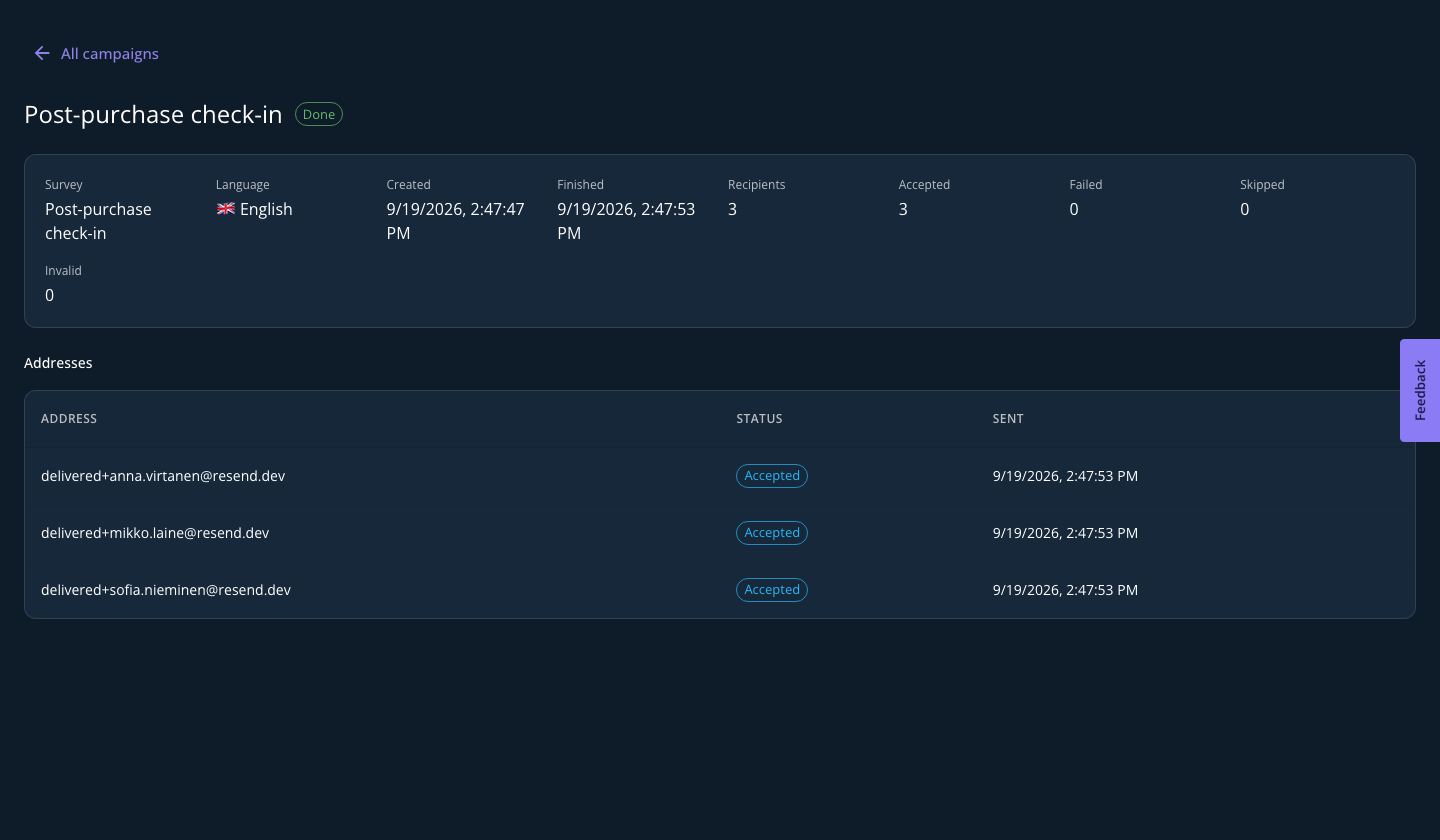
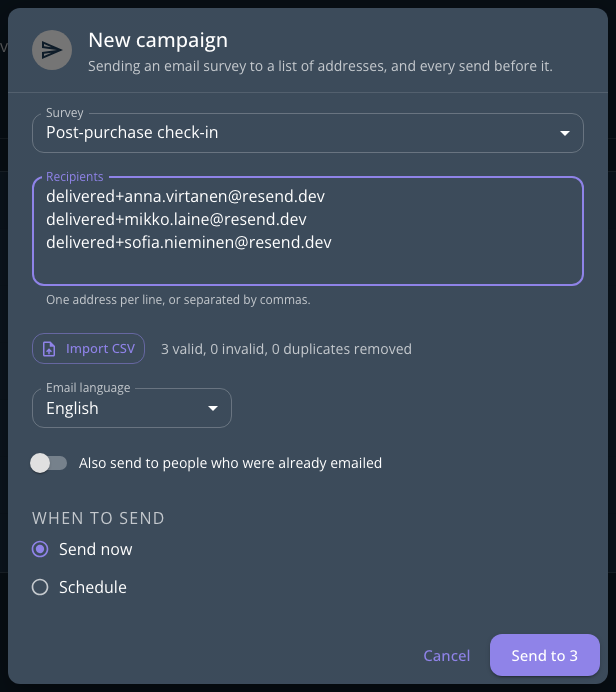
Sending is the job of the new Campaigns tab next to the survey list. Paste the addresses or import a CSV, pick the email language and the time - now or a scheduled hour. Every recipient gets a personal link, and the campaign page shows what happened to each address: accepted, delivered, bounced, marked as spam. Unsubscribed and dead mailboxes are skipped automatically.
How much you can send depends on your plan - the Billing page has the details.