Surveys on paper: print or save as PDF
Not every answer is easiest to collect on a screen: a questionnaire at the front desk, feedback at an event, a place with no internet, or someone who would simply rather pick up a pen. Until now that meant rebuilding the survey in a word processor.
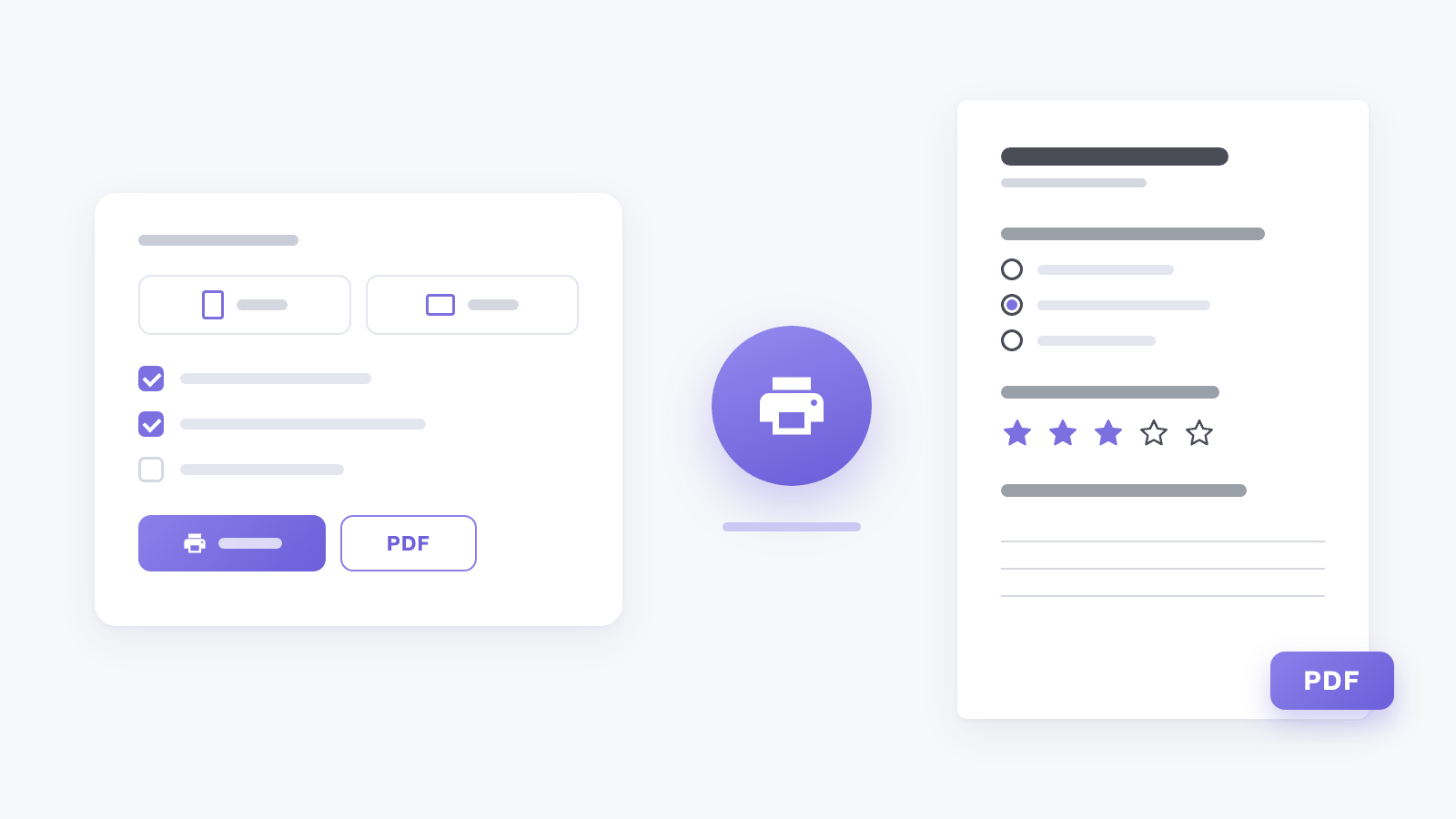
Inline forms and on-site surveys now have a printer icon in the survey list, and the editor's Actions menu has Print or save as PDF. Pick the language, the paper size and the orientation, choose what goes on the page, then press Print or Download PDF.
On paper every question gets a place to answer: circles where one option fits, squares where several do, lines for text, boxes for dates, scales and grids for matrices. Required questions carry an asterisk, and hints like "Choose one answer" print in the survey's own language.
From the editor you print exactly what you see, even before you save - handy for talking a draft through before it goes live.