How we shipped a screenshot without screenshots
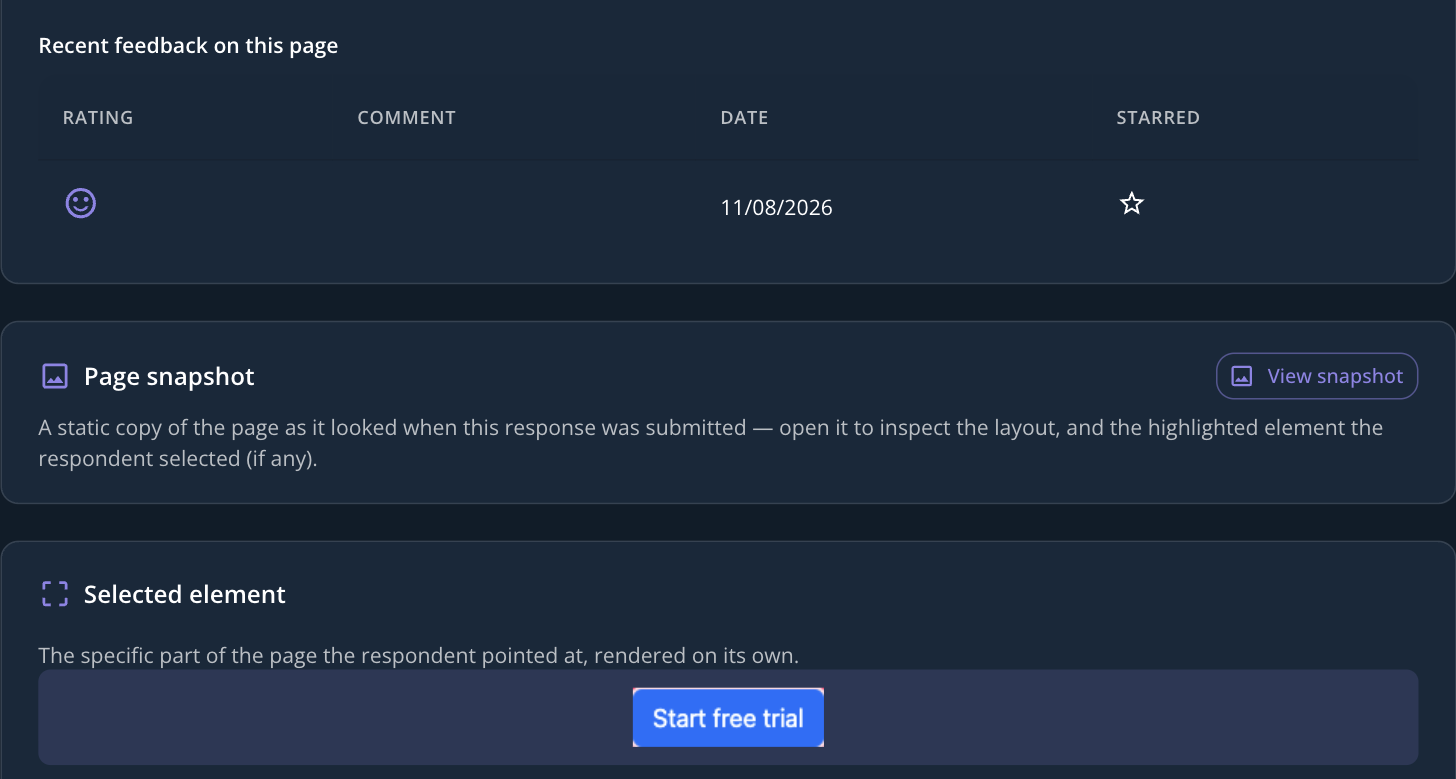
Some feedback is easier to show than to describe. Turn on element selection for a survey and a visitor can choose to point at one specific part of your page — a button, a headline, a form field — instead of writing "the blue button near the top." In the response detail view you get a clean, fully styled image of exactly that element, next to a full-page snapshot with it highlighted.
Building that meant rendering pages we don't own, on domains we don't control, inside a real browser engine — and handing back a correctly styled crop of one element from them. The first version tried the obvious approach: capture the clicked element's own markup and render just that piece, on its own. It looked correct in every test we wrote, because every test used an element styled with inline styles. The moment a real page's button got its look from a class in an external stylesheet, the crop came back plain and unstyled. An isolated fragment has no page head to link a stylesheet from, no style block, no CSS variables for that class to resolve against — nothing was broken, there was simply nothing there for the styles to attach to.
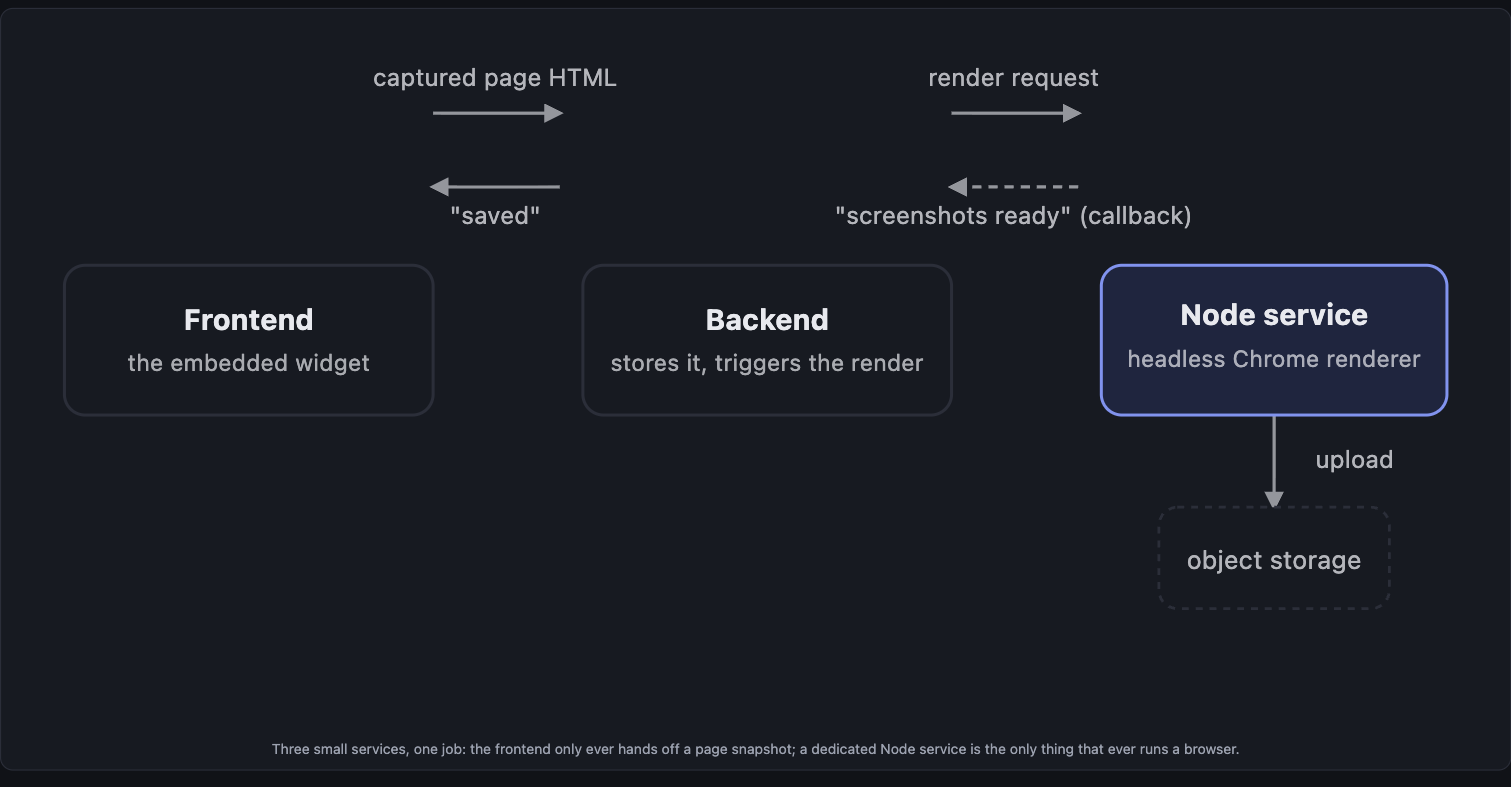
The fix was to render the whole page instead of the element alone. The picker already marks the clicked element the instant it's chosen, so we render the visitor's entire captured page once, with its real stylesheets and real layout, and take two screenshots from that same loaded page: the full page, and a tight crop of just the marked element. One browser page load now produces both images, which is also less work than the two separate page loads the old approach needed.
None of this changes what visitors experience — they still just click the part of the page they mean. What's different is what happens after: a real, correctly styled picture of exactly that part, not a guess reconstructed from a written description.