Fill in every language from one
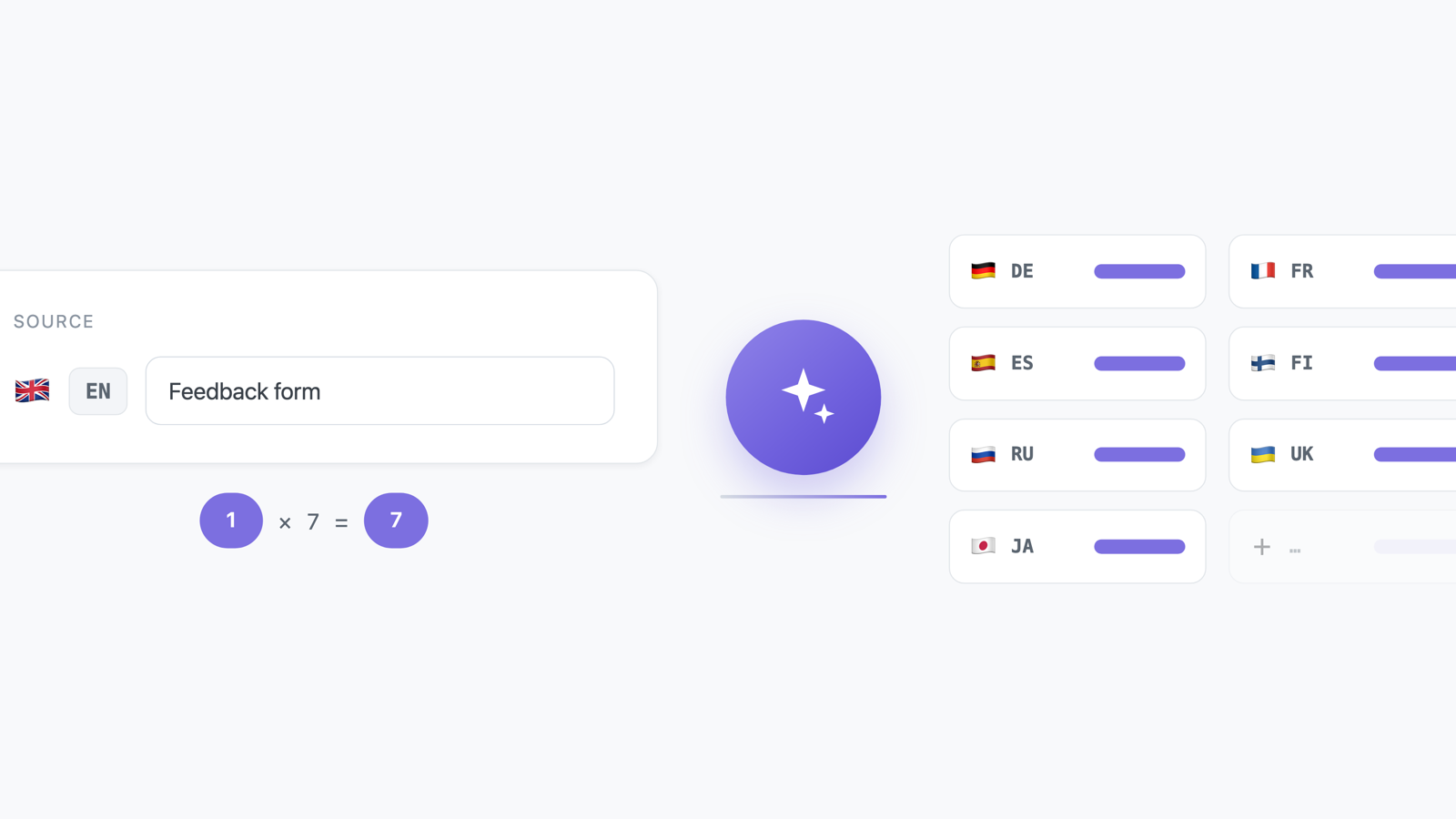
A survey inherits its languages from its domain, and every piece of text has to be filled in for all of them before it can go live. Until now that meant copying each label into a translator and pasting it back, one language at a time.
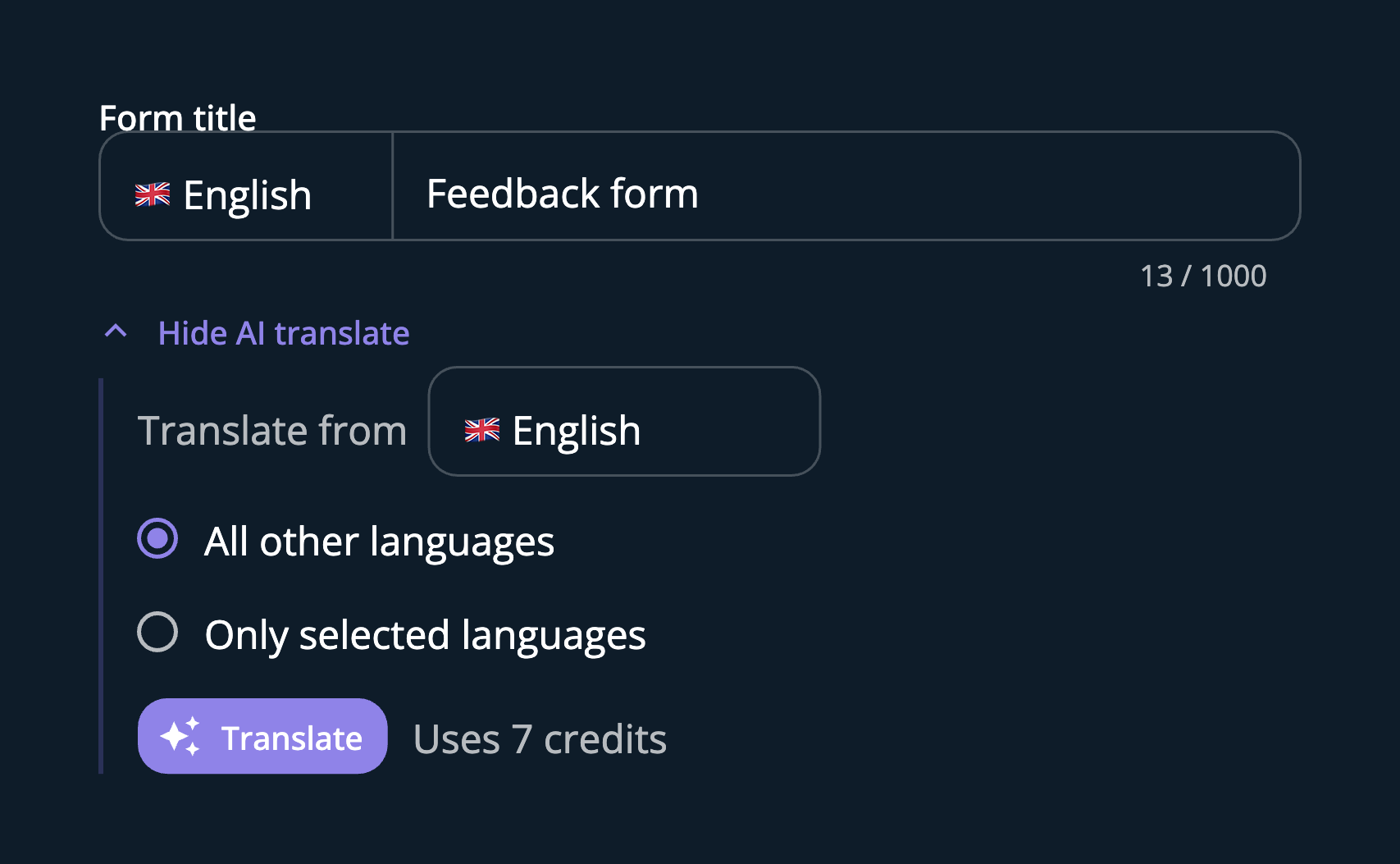
Now every translatable field has an AI translate button under it. Open it, pick which language to translate from, choose all the other languages or just some, and press translate. The results drop straight into the fields, where you can edit them like anything you typed yourself.
If a language already has text, you are asked first — overwrite it, or keep what is there and fill only the empty ones. Nothing is replaced without you saying so.
Each language costs one AI credit, and the panel tells you what a press will cost before you make it. Your plan's monthly allowance and what you have spent are on the credits page.